
Dropped Your Phone in the Pool? How to Rescue Your Photos and WhatsApp Chats
Smartphones are no longer just communication devices—they’re vaults for our most precious memories: family photos, critical WhatsApp conversations, work notes, and banking credentials.
When disaster strikes—whether your phone falls into water, the screen shatters completely, or it suddenly dies (Dead Motherboard)—the first thought isn’t about the device’s monetary value. It’s about the data inside: “Are all my photos gone?”
At Datacodex, we understand the wave of anxiety you’re feeling right now. Take a breath and steady yourself. In this educational guide, we’ll explain in plain language what’s happening inside your damaged phone, the correct steps to rescue your data, and—most critically—the fatal mistakes you must avoid.
⚠️ Important Disclaimer: At Datacodex, we specialize exclusively in data recovery from hard drives (HDD & SSD), servers (RAID), and flash storage. We do not offer mobile phone repair or data recovery services. However, we’ve prepared this guide to help you navigate the situation correctly and find the right experts for your case.
Water Damage: Electronics’ Worst Enemy
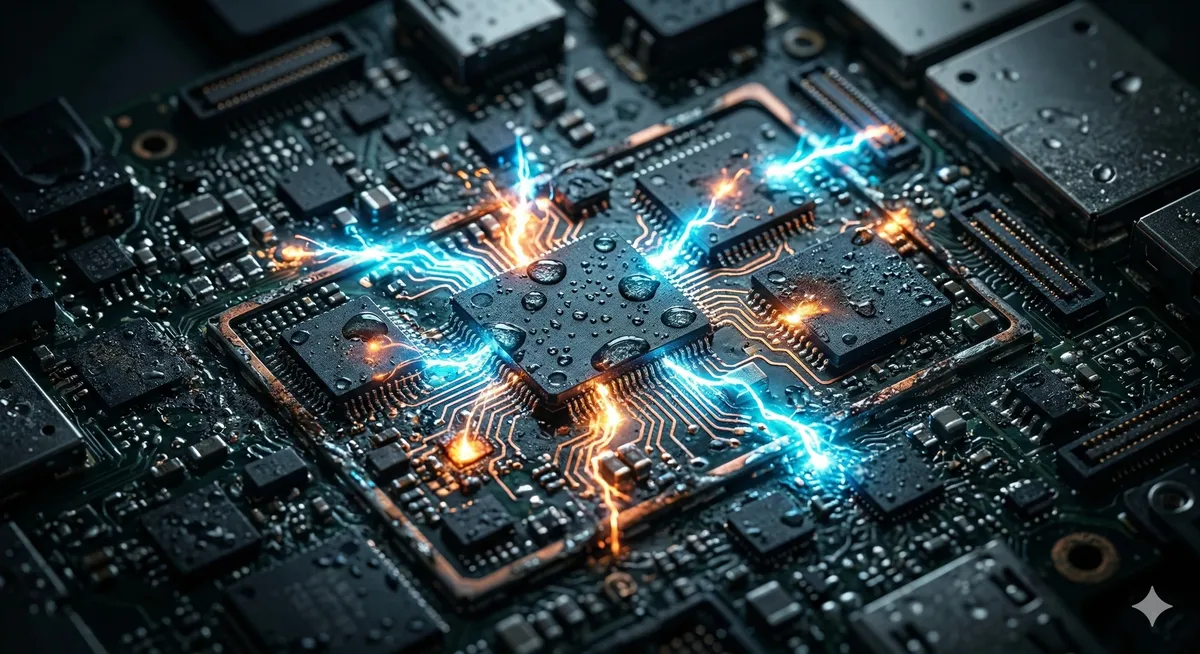
Dropping your phone in the pool, the ocean, or even spilling coffee on it is one of the most common causes of data loss. Water itself isn’t the biggest threat—it’s the short circuits that occur when electricity meets moisture, followed by the corrosion that begins immediately after the water dries.
Fatal mistake: Do NOT put your phone in rice! The rice myth is an old and harmful urban legend. Rice does not draw moisture from a complex, multilayered motherboard. Instead, rice dust and starch particles get inside charging ports and speaker grilles, complicating future cleaning. Worse, by leaving your phone in rice for days, you’re giving corrosion the time it needs to eat through the ultra-thin copper traces on the logic board.
What you should do:
- Do not try to turn it on: If it’s off, leave it off. If it’s still on, power it down immediately.
- Do not plug in the charger: Sending electricity through a wet phone is the kill shot that fries critical components (like the CPU or NAND memory chip).
- Professional cleaning: Take it to a phone repair technician who has ultrasonic cleaning equipment to wash the logic board with specialized alcohol and halt the corrosion process.
Shattered Screen and Unresponsive Touch
If your phone was dropped and the screen is completely black but you can still hear notification sounds or ringtones, you’re in a relatively better position. The device is working (the brain is alive), but the display (the monitor) is broken.
The major challenge: Encryption and security Modern phones are heavily encrypted. You can’t simply connect the phone to a computer via USB and pull the photos—you’ll need to either unlock the screen with your passcode or confirm a “Trust this computer” prompt on the display, which is impossible if the touchscreen doesn’t work.
The proper solution: Don’t try entering your passcode blindly without being able to see the screen—repeated incorrect attempts may trigger a permanent device lockout (Disabled iPhone) and automatic data wipe. Take the device to a specialist who can install a temporary test screen, allowing you to enter your passcode and extract your data normally.
Sudden Death (Dead Logic Board / Boot Loop)
The worst-case scenario: your phone was working perfectly fine, and the next morning you find it completely dead—unresponsive to any input—or stuck in an endless restart loop on the manufacturer’s logo (Apple/Samsung), known as a Boot Loop.
Common causes of sudden death:
- Full storage: Leads to an operating system crash (extremely common on iPhones).
- Electrical short: Damage to charging circuits or the use of cheap third-party chargers that burn out delicate components.
- Failed software update: The update froze mid-process due to battery depletion or connection loss.
- NAND degradation: The storage chips have exceeded their lifespan.
The “Transfer the Memory to Another Phone” Myth
On older phones (from 10+ years ago), you could physically remove the memory chip (Chip-Off) and read it with an external programmer or move it to another device.
Today, especially on iPhones (thanks to the Secure Enclave chip) and modern Android devices, Full Disk Encryption ties everything together. The NAND memory chip, phone CPU, and security chip (EEPROM) are all cryptographically bound to each other. You cannot simply transplant the memory into a new phone.
To access the data, the original logic board must be repaired and made to boot temporarily—just long enough to enter the passcode and extract the files.
Finding the Right Expert: How to Choose a Repair Technician
Since Datacodex does not offer mobile data recovery services, we recommend looking for a phone repair technician with the following qualifications:
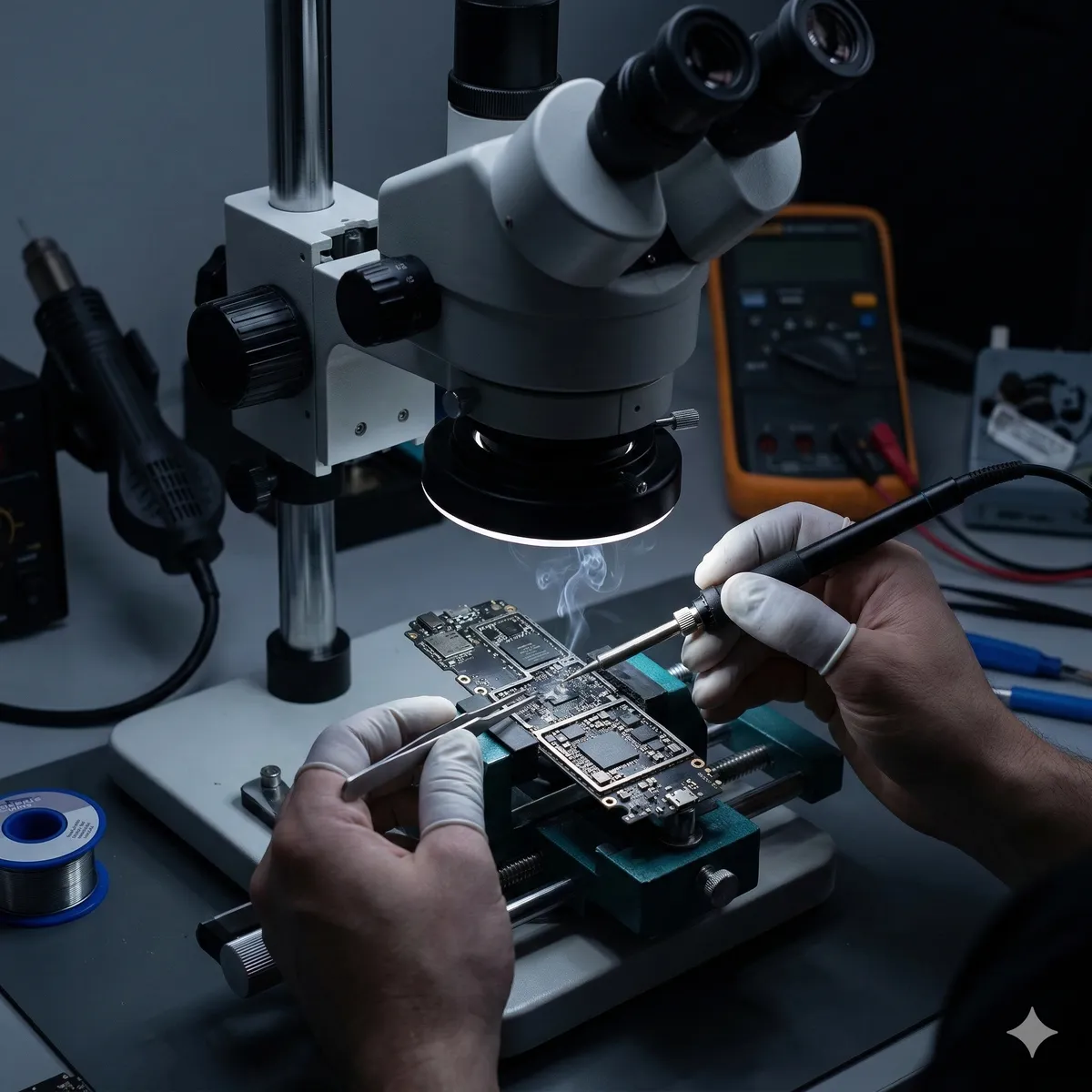
- Micro-soldering expertise: The technician must be able to read electronic schematics and work under a microscope to replace burned components smaller than a grain of sand.
- Data-first approach: Tell the technician clearly that your priority is the data, not the device. A data-focused technician will try to “wake” the dead phone temporarily just long enough for a backup, rather than risking a format or software update that could wipe everything.
- Thermal imaging: Ensure they use thermal imaging cameras to precisely locate electrical shorts without blindly probing the logic board.
Key Takeaway
If your damaged phone contains irreplaceable data, random repair attempts at generic phone shops (that only replace screens and batteries without understanding micro-soldering) may permanently destroy the logic board and eliminate your last chance. Take your time, find specialists who work on advanced smartphone logic boards, and we wish you the best in recovering your memories and data safely.