
Hit by Ransomware? Stop Everything and Read This Before Paying
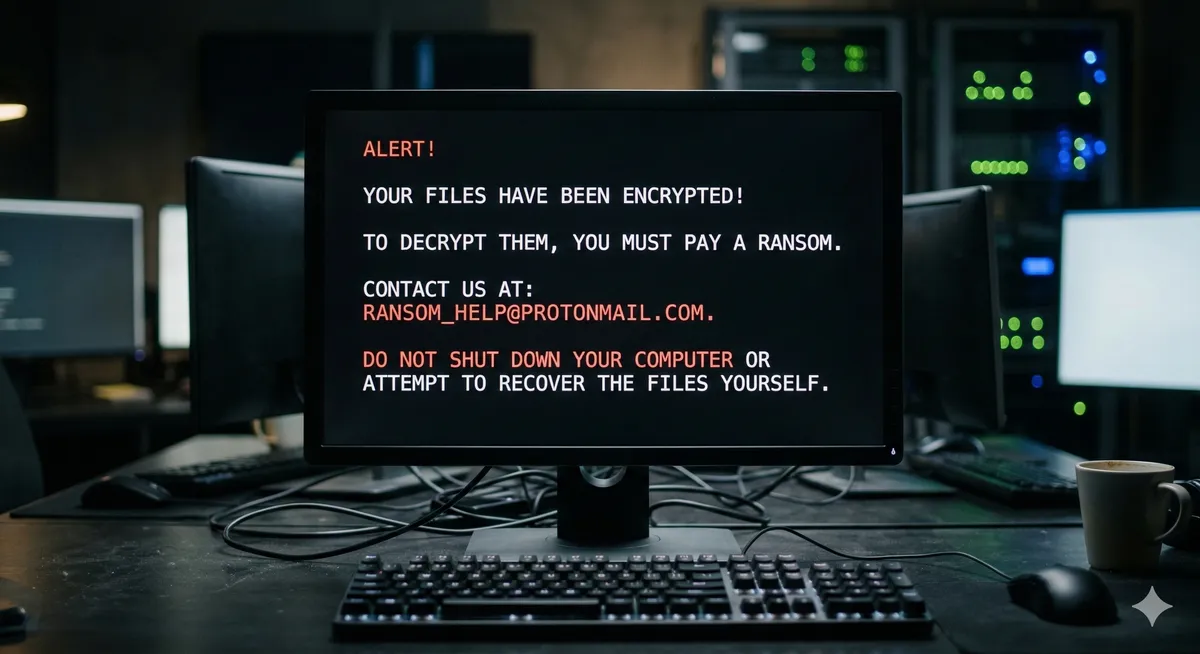
You wake up in the morning, open your computer to continue your work or browse your photo archive, and discover the nightmare: every Word document, photo, and video has changed. Nothing opens anymore. Every file name now ends with a bizarre extension like .djvu, .rypt, or .lock, and on your desktop sits a new text file named _readme.txt containing a blunt threat demanding a ransom payment (usually in cryptocurrency) in exchange for the decryption key.
At Datacodex, we know the gut-wrenching feeling of this moment—suddenly, years of work are being held hostage. Stop. Don’t make any hasty decisions. You’re dealing with what’s known as ransomware. In this guide, we’ll walk you through the practical steps for handling this crisis transparently, and outline the real options for rescuing your data—far from exploitation and empty promises.
What Is Ransomware and How Did It Get on Your System?
Ransomware isn’t a typical virus that deletes or hides your files. It’s malicious software that uses military-grade encryption algorithms (such as AES-256 or RSA) to scramble the contents of your drives into unreadable gibberish. The only theoretical way to reverse this is to possess the “private key” that the attacker keeps on their servers.
How were you most likely compromised?
- Pirated software (cracked programs): The number one cause in our region. When you download a “free activation” (crack) for paid software, you’re voluntarily opening the door to ransomware.
- Phishing emails: Opening an email attachment disguised as an invoice or work document from an unknown sender.
- Exposed RDP ports: In corporate and server environments, attackers manually break in through unprotected Remote Desktop Protocol connections with weak passwords.
Immediate Response: What to Do in the First 5 Minutes 🛑
If you’ve just discovered the infection, take these emergency steps immediately to limit the spread:
- Disconnect from the internet immediately: Unplug the Ethernet cable or turn off Wi-Fi. The ransomware needs internet access to communicate with the attackers’ command-and-control (C&C) servers to send your unique encryption key, and to spread to other devices on the same network.
- Disconnect external storage devices: If the ransomware is still active, it will crawl to encrypt any connected USB drives or external hard drives.
- Do NOT restart the computer: Rebooting may worsen the damage by allowing the ransomware to encrypt core system files. Disconnect internet and external storage first.
- Do NOT delete the ransom note: Keep the
_readme.txtfile. This message, along with the new file extension, is the evidence that will help experts identify the ransomware family and variant.
Should You Pay the Ransom?
Our professional advice is clear: Never pay the ransom.
First, there is zero guarantee that the criminal will actually send you the decryption key after receiving your money. Second, paying funds these criminal organizations and encourages them to develop even more dangerous variants. Third, in many cases, the decryption tools provided by attackers are buggy and fail to properly restore files—often corrupting them permanently.
(Note: In extreme corporate cases where business bankruptcy is the only alternative to losing databases on RAID servers, specialized cyber-negotiation firms may be consulted to assess the situation legally and technically.)
The Professional Approach: Can Encrypted Files Actually Be Recovered?
As engineers at Datacodex, we believe in complete honesty: if the encryption is recent and uses an online ID with AES-256, it is mathematically impossible to “crack” without the key. Anyone who tells you otherwise is either unqualified or trying to exploit your desperation.
However, hope is not lost. Here’s how we intervene in our lab to recover your data:
- Searching for available decryption keys: We collaborate with global databases and security initiatives (like No More Ransom). If law enforcement seizes the attackers’ servers, free keys become available for certain ransomware families. Additionally, some variants (like certain STOP/Djvu builds) fail to connect to the internet and use a local offline key that can be cracked.
- Shadow copy recovery: Some older or poorly coded ransomware variants fail to delete the automatic backup snapshots (VSS - Volume Shadow Copies) created by Windows. We scan the hard drive to extract these hidden copies.
- Deep raw recovery from unallocated space: Many ransomware variants work by copying a file, encrypting the copy, then deleting the original. At Datacodex, we use advanced tools to bypass the operating system and search the drive’s unallocated space for remnants of the original, unencrypted files that were deleted before the encryption process completed—giving us an excellent chance of recovering a significant portion of your photos and critical documents in their original, intact state.

Key Takeaway
A ransomware infection is a digital emergency of the highest order. Remember: immediate network isolation is your first line of defense, and refusing to comply with criminals is the fundamental principle.
At Datacodex, we’re ready to receive your device or hard drives, examine them in a secure, isolated environment to identify the ransomware variant, and exhaust every engineering opportunity to recover your intact files. And for the future, remember: an offline backup is the only shield no virus can penetrate.